Can You Use a Calculator on the GED? Yes — When + Which One
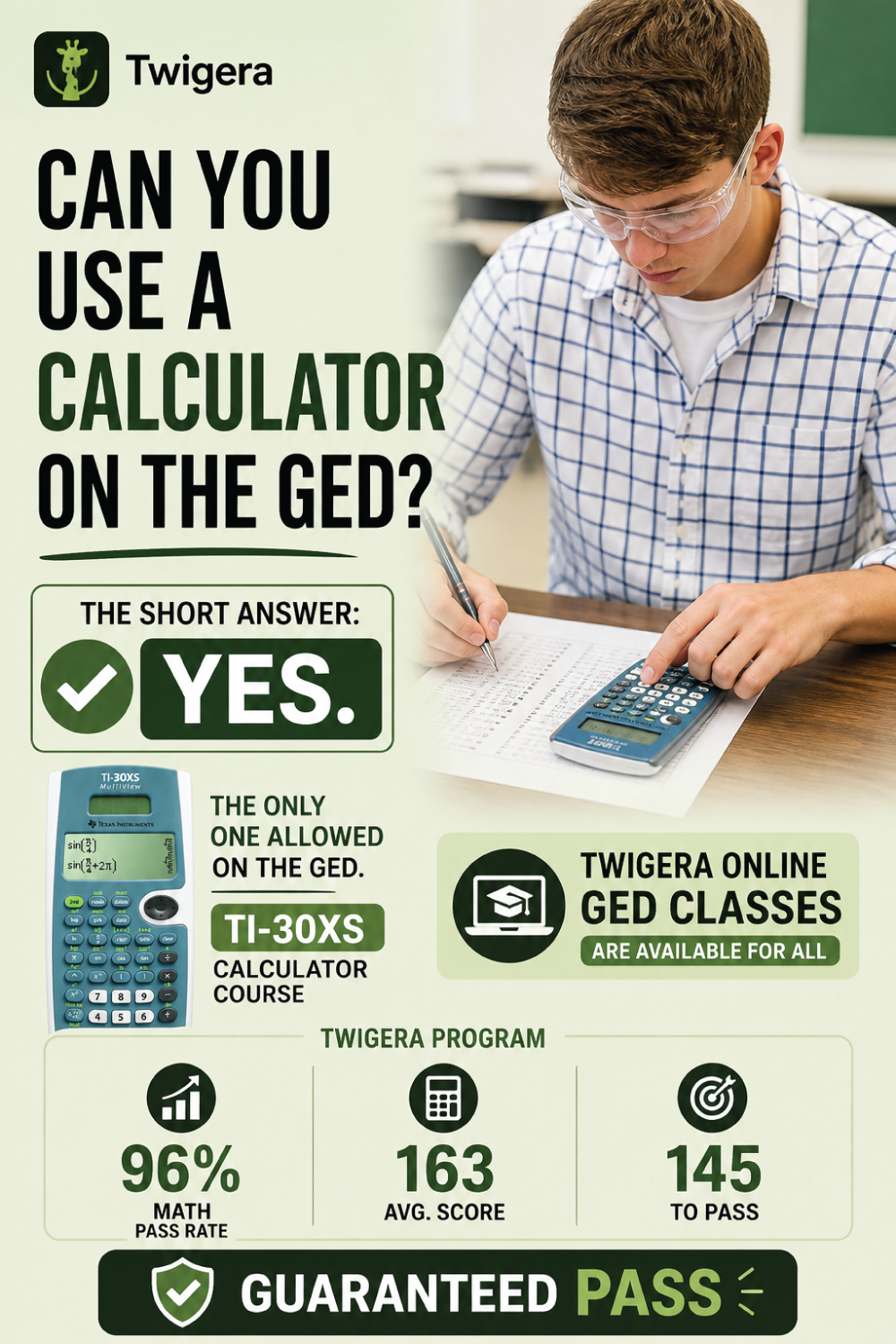
Yes — the GED provides an on-screen TI-30XS scientific calculator for most Math, Science, and Social Studies questions. The first 5–6 Math questions are calculator-free. Here's when to use it and how to prep.
Yes — the GED allows an on-screen TI-30XS scientific calculator on most of the Math test (Part 2), and on Science and Social Studies questions that involve calculations. Part 1 of Math (first 5–6 questions) is calculator-free. The calculator is provided on-screen, and GED Testing Service also allows you to bring your own TI-30XS to a test center. Familiarity with the TI-30XS pays off in time saved.
Last reviewed
We all know that GED math tests have some technical sections that require knowledge of complicated formulas and calculations.
Many test takers worry about calculations and wonder, what calculator is allowed on the GED, or if they will even have one during the test. That confusion alone can slow you down before you even begin.
Here is the truth you need to hold onto. You can use a calculator on most of the GED Math test, but not all of it.
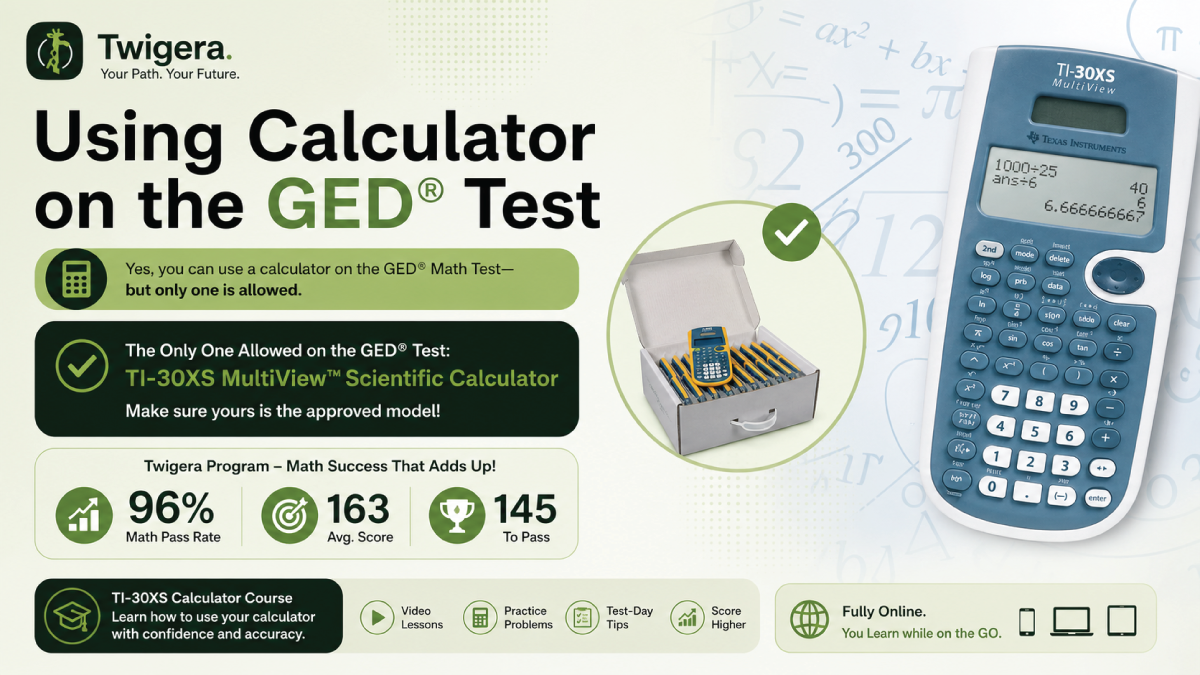
But not just any calculator. The GED provides an on-screen TI-30XS MultiView, a scientific calculator designed to handle everything from fractions to exponents.
Knowing when you can use a calculator on the GED and how to use it effectively is key to achieving your best score.
Why does this matter?
By 2031, 72% of jobs in Alabama will require some postsecondary training. Passing the GED is a critical step toward opening those doors.
So let's walk through what to expect, which calculator you will use, and how to prepare so nothing on test day catches you off guard.
The Short Answer: Yes, But Not the Whole Test
Can you use a calculator on the GED test? Yes, but only on certain parts.
Most of the GED Math test allows a calculator, but the first section, Part 1, does not. You'll need to complete the first 5–6 questions without one.
In Part 2 of the Math test, you'll have access to the on-screen TI-30XS calculator. This tool is also available for calculation-heavy questions in Science and Social Studies, such as unit conversions or probability problems.
To prepare, consider Twigera Online Classes. Our TI-30XS calculator course is designed to help you master this essential tool and pass your coming GED test.
Which Calculator Is Allowed? The TI-30XS
The official calculator for the GED is the Texas Instruments TI-30XS MultiView. It's a scientific calculator, not a graphing one, and is specifically approved for the test.
You do not need to bring your own calculator — the GED provides an on-screen TI-30XS during the test. If you test at a center, you may bring your own TI-30XS as well.
If you're testing in person, some centers may also provide a physical TI-30XS at your station.
This calculator is packed with features to help you solve complex problems. It handles fractions, square roots, exponents, logarithms, and basic statistics.
Knowing how to use these functions can save you time and improve your accuracy.
Twigera's Science class can help you prepare. With 68 short video lessons, 1,100+ practice questions, and 6 timed prep exams, it's aligned to the 2024 GED.
Master the TI-30XS and boost your confidence before test day.
Do You Bring Your Own Calculator?
If you are still wondering, can you use a calculator on the GED, here is what you need to know first. The GED provides the calculator, and at a test center you may bring your own TI-30XS.
For the online GED test, you will only use an on-screen calculator. This is a built-in TI-30XS emulator that appears during the sections where it is allowed.
If you take the test at a center, you may receive a physical TI-30XS at your station. You are also allowed to bring your own TI-30XS MultiView, which is worth doing if you have practiced on it.
Only the TI-30XS MultiView is accepted — no other model, and no phone.
This rule protects fairness and keeps every test day test-taker on the same level. Once you understand this, you can focus on learning the exact calculator you will use instead of worrying about what to bring.
Part 1 vs Part 2 of GED Math
You face two different sections in GED Math, and each one tests you in a different way. If you understand how they work, you avoid surprises and manage your time better.
Here is a clear breakdown:
Section
Questions
Calculator
What You Face
Part 1
First 5 to 6 questions
No calculator
Basic math, number sense, simple operations
Part 2
About 40 questions
Calculator allowed
More complex problems, multi-step calculations
Part 1 comes first, and you do everything by hand. You rely on your understanding of numbers, not tools, so strong basics matter here.
Part 2 is longer and more demanding. You get access to the calculator, and this is where you handle equations, word problems, and detailed calculations.
The key is simple. Build strong skills for Part 1, then use the calculator wisely in Part 2.
Do not depend on the calculator for everything. Some questions are faster without it, and knowing when to switch saves time.
Twigera stands out for students preparing for this exact structure, with a 96% Math pass rate. The revision is fully online, so you practice both calculator and non-calculator questions in a way that matches the real test.
Can You Use the Calculator on Science and Social Studies?
You can use the calculator on the GED Science test, but only for questions that involve math. These include unit conversions, probability, and other calculations.
For non-math questions, the calculator won't be necessary.
In Social Studies, the calculator is available for math-based questions, such as those involving economics or data analysis.
Most Social Studies questions focus on reading and comprehension, so you'll only use the calculator when math is required.
The GED provides consistent on-screen access to the TI-30XS calculator across these sections. Whether you're solving a Science problem or tackling a Social Studies question, the calculator is there when you need it.
To prepare, focus on understanding when and how to use the calculator effectively. This will help you save time and avoid mistakes on test day.
A useful rule for both Science and Social Studies: read the question first and decide whether math is actually required before opening the calculator. Many questions look numeric at a glance but only ask you to read a chart or compare two figures — opening the TI-30XS for those wastes 10 to 20 seconds you can spend on harder problems later.
When math is required, the patterns repeat. Science leans on unit conversions, percentages, ratios, and basic probability.
Social Studies leans on percent change, simple interest, and reading economic data. Practice those specific operations on the TI-30XS — convert miles to kilometers, find a percentage of a number, calculate a tip — until each takes you under 15 seconds.
That is the speed that earns points without burning your time budget.
Save for later
Pin this guide so you can find it again.
We refresh these every season. Save it to a Pinterest board and you’ll get the latest version next time you come back.
If you are asking, can I use a calculator on the GED, the answer is yes, but preparation matters. You need to know how the TI-30XS works before test day, because the calculator only helps when you use it with confidence.
Learn the Essential Keys
Start with the keys you will use most. Focus on fractions, mixed numbers, exponents, square roots, and parentheses.
You should also learn memory functions, especially when a problem has several steps. These keys help you keep numbers organized without starting over.
Practice with the Real Interface
Use a TI-30XS online emulator as part of your GED prep. Free versions are available, and they help you get used to the layout before the real test.
Do not only press buttons to see what happens. Practice with GED-style questions so you learn when the calculator helps and when mental math is faster.
Avoid Over-reliance
The calculator is useful, but it should not slow you down. Many GED questions are quicker when you solve them by hand.
Use the TI-30XS for longer calculations, fractions, square roots, and multi-step problems. For simple arithmetic, trust your basics and move on.
Watch for Common Mistakes
Most calculator errors come from rushed entries. Check your parentheses, follow the order of operations, and make sure each number goes in the right place.
You do not need degree or radian settings for the GED. Keep your focus on accuracy, speed, and knowing which tool to use for each problem.
One specific habit saves more points than any other on calculator questions: re-read what you typed before pressing enter. The TI-30XS shows the full expression on screen, so a quick glance confirms you put the right number under the square root or that your fraction has the right numerator on top.
That two-second check catches the small slips that otherwise turn a correct method into a wrong answer.
Why Does TI-30XS Familiarity Matter?
Unfamiliarity with the TI-30XS calculator can cost you both time and points on the GED. Struggling with functions like fractions, exponents, or parentheses during the test often leads to avoidable errors.
The GED Testing Service includes a free on-screen calculator reference sheet to guide you. However, relying on it without prior practice can slow you down and add unnecessary stress.
With just one hour of focused practice before the test, you can learn how to use the TI-30XS efficiently. Understanding its features will help you solve problems faster and with greater accuracy.
Preparation is key and there premium resources like the one offered by Twigera to simplify your preparation. Take the time to master the TI-30XS so you can approach your test with confidence and focus.
Bottom Line
You will use the TI-30XS calculator during the GED, mainly in Part 2 of the Math test and on selected Science and Social Studies questions that involve calculations. It is provided on-screen, you may bring your own TI-30XS to a test center, and you will not use it for the first part of Math.
What matters is not access, but how well you use it under pressure. Practice ahead of time so you move faster and avoid mistakes.
Frequently asked
Questions people ask.
Can you use a calculator on the GED?
ShowHide
Yes, on most of the Math test and on parts of the Science and Social Studies tests where math is required. The first 5–6 questions of the Math test (Part 1) are calculator-free. The GED provides an on-screen TI-30XS calculator, and you may bring your own TI-30XS to a test center.
What calculator is allowed on the GED?
ShowHide
Texas Instruments TI-30XS MultiView — a scientific (not graphing) calculator. The GED provides it on-screen during testing, and you may bring your own TI-30XS to a test center. No other calculator model is permitted.
Can you bring your own calculator to the GED?
ShowHide
At a test center, yes — GED Testing Service allows you to bring your own TI-30XS MultiView. For online proctored testing (OnVUE) you cannot, because nothing is permitted on your desk; there you use the on-screen TI-30XS the GED provides. No calculator model other than the TI-30XS is accepted either way.
Can you use a calculator on GED math?
ShowHide
Yes on Part 2 of the Math test (~40 questions). Part 1 (first 5–6 questions) is calculator-free. The test clearly marks which part you're in.
Can you use a calculator on GED science?
ShowHide
Yes, on questions that require mathematical computation (unit conversion, probability, etc.). The TI-30XS on-screen calculator is available when needed. Not every Science question is a math question, but the calculator is there when it is.
Can you use a calculator on GED social studies?
ShowHide
Yes, on economics or data-based questions that require math. The TI-30XS on-screen calculator is available. Most Social Studies questions are reading-based and don't need a calculator.
Do I need to learn how to use the TI-30XS?
ShowHide
Yes — strongly recommended. Unfamiliarity with the calculator costs time and points. Practice with a free online TI-30XS emulator before your test day. Focus on fractions, exponents, and the parentheses key.
Amara is the editor at Twigera. She came to publishing the long way — a decade teaching the GED in community colleges and adult-learning centers, where she watched students pass not on talent or time, but on the strength of a study plan they actually trusted. Now she shapes the guides students read here for the parent studying after a closing shift, the second-career welder, the grandmother finishing what she started forty years ago. Expect honest timelines, math made survivable, and study plans built around real life — not around a textbook's idea of one.
Enjoyed this?
Take the next step — start today.
Our online GED course includes every subject, a free 30-minute diagnostic, and a 7-day refund on every plan.